
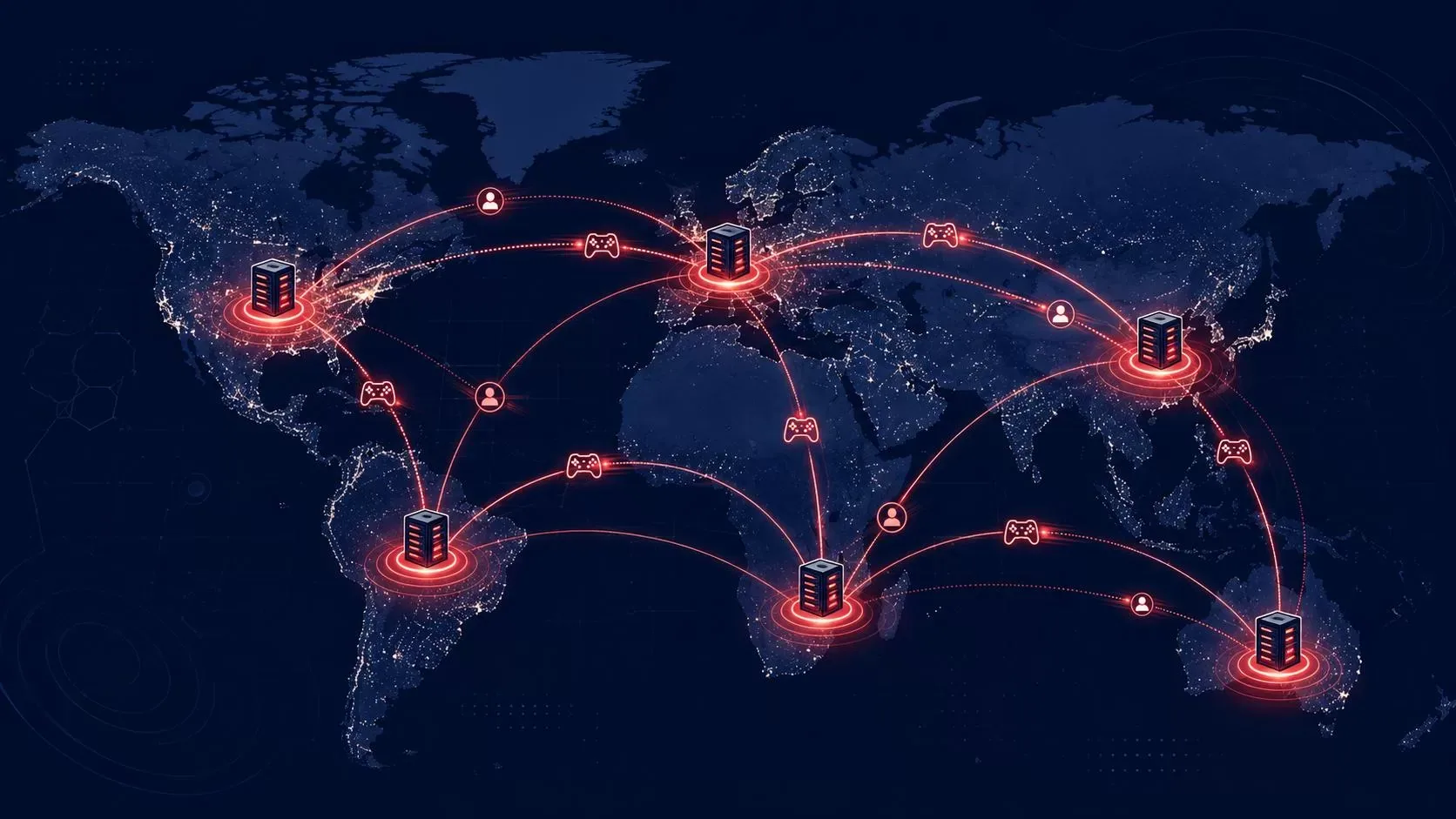
How Games Run on AWS: The Architecture Behind the World’s Biggest Multiplayer Titles
Palash Upadhyay
July 10, 2026
Every time you queue up a match in a battle royale, join a raid with friends across three time zones, or watch a mobile game update its leaderboard in real time, there’s a good chance AWS is doing the heavy lifting behind the screen. If you’ve ever wondered how games run on AWS at that scale, the short answer is: a lot of purpose-built infrastructure working together. Today, more than 750 million gamers a month play titles built on AWS, including some of the largest live-service games in the world — Fortnite, League of Legends, and Roblox among them.
At Electromech, we spend a lot of our time helping teams design, migrate, and run workloads on AWS, and understanding how games run on AWS is one of the most demanding versions of that problem we come across. A game backend has to survive a launch-day spike of millions of concurrent players, keep latency under 50 milliseconds so a headshot actually lands when the player pulled the trigger, and scale back down an hour later without burning budget. It’s a genuinely hard distributed systems problem, and AWS has spent over 16 years building purpose-built services around it.
This post walks through how games run on AWS in practice — the compute, the databases, the global networking, and the AI layer — with real examples from studios that have done it at scale.
Why Games Need a Different Kind of Cloud Architecture
Most web applications tolerate a few hundred milliseconds of latency without anyone noticing. Games don’t have that luxury. A competitive shooter or a fighting game needs round-trip latency low enough that player input feels instant, and it needs that consistency for every player in a match simultaneously, not just on average.
On top of the latency requirement, game traffic is brutally spiky. A new title can go from zero to a million concurrent players in a weekend, and a single viral clip can double concurrent users overnight. Traditional fixed-capacity infrastructure either falls over under that spike or sits idle (and expensive) the rest of the time. That combination — hard latency limits plus unpredictable, extreme scale — is a big part of why games run on AWS and similar hyperscale clouds rather than on general-purpose hosting.
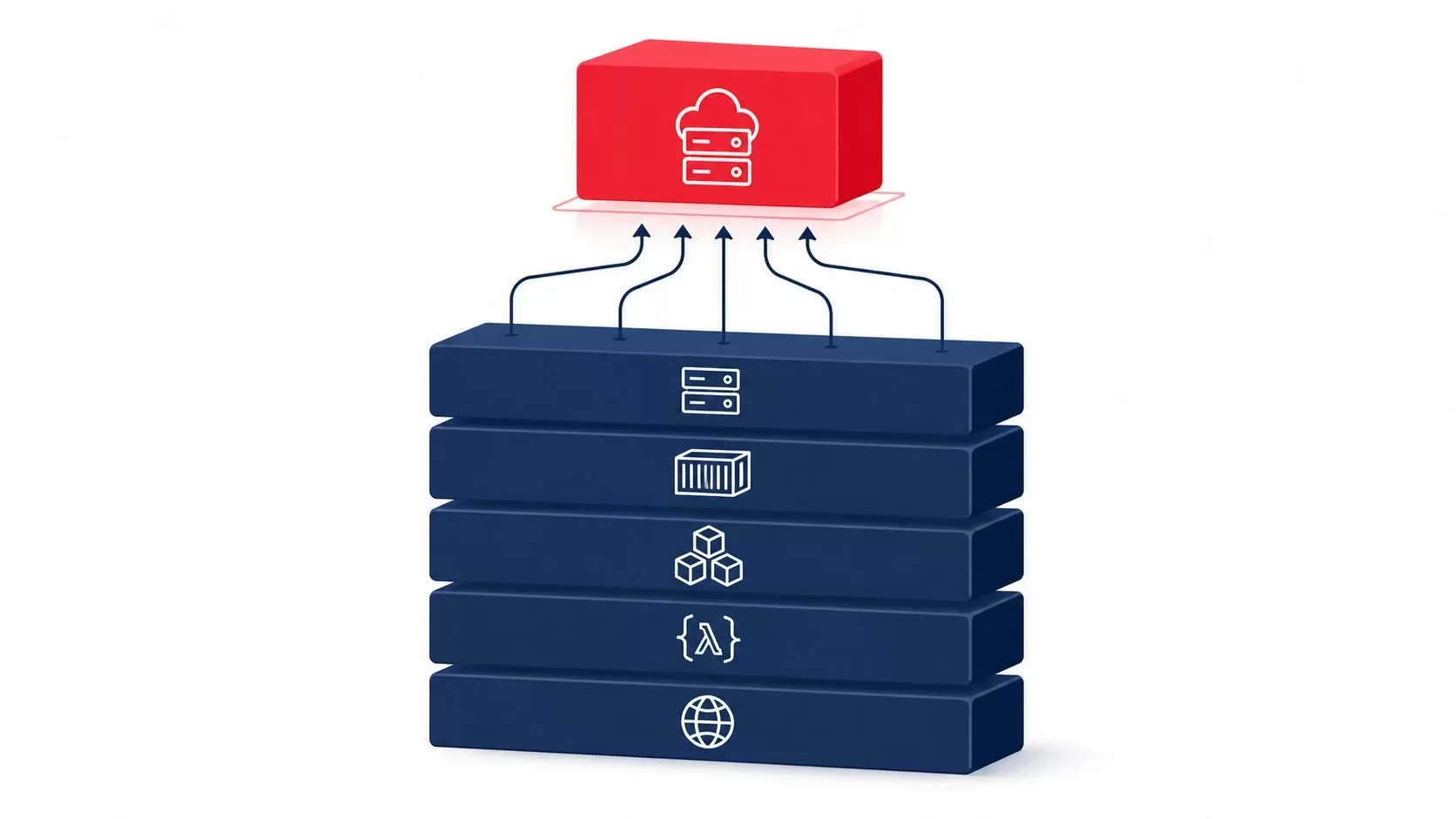
How Games Run on AWS: The Compute Layer
EC2 and Amazon GameLift Servers
For session-based multiplayer games — think battle royales, shooters, or racing games where a match starts, runs, and ends — the dedicated game server model is still the standard. Amazon EC2 provides the raw compute, and Amazon GameLift Servers sits on top of it as a fully managed layer purpose-built for deploying, scaling, and operating those dedicated servers.
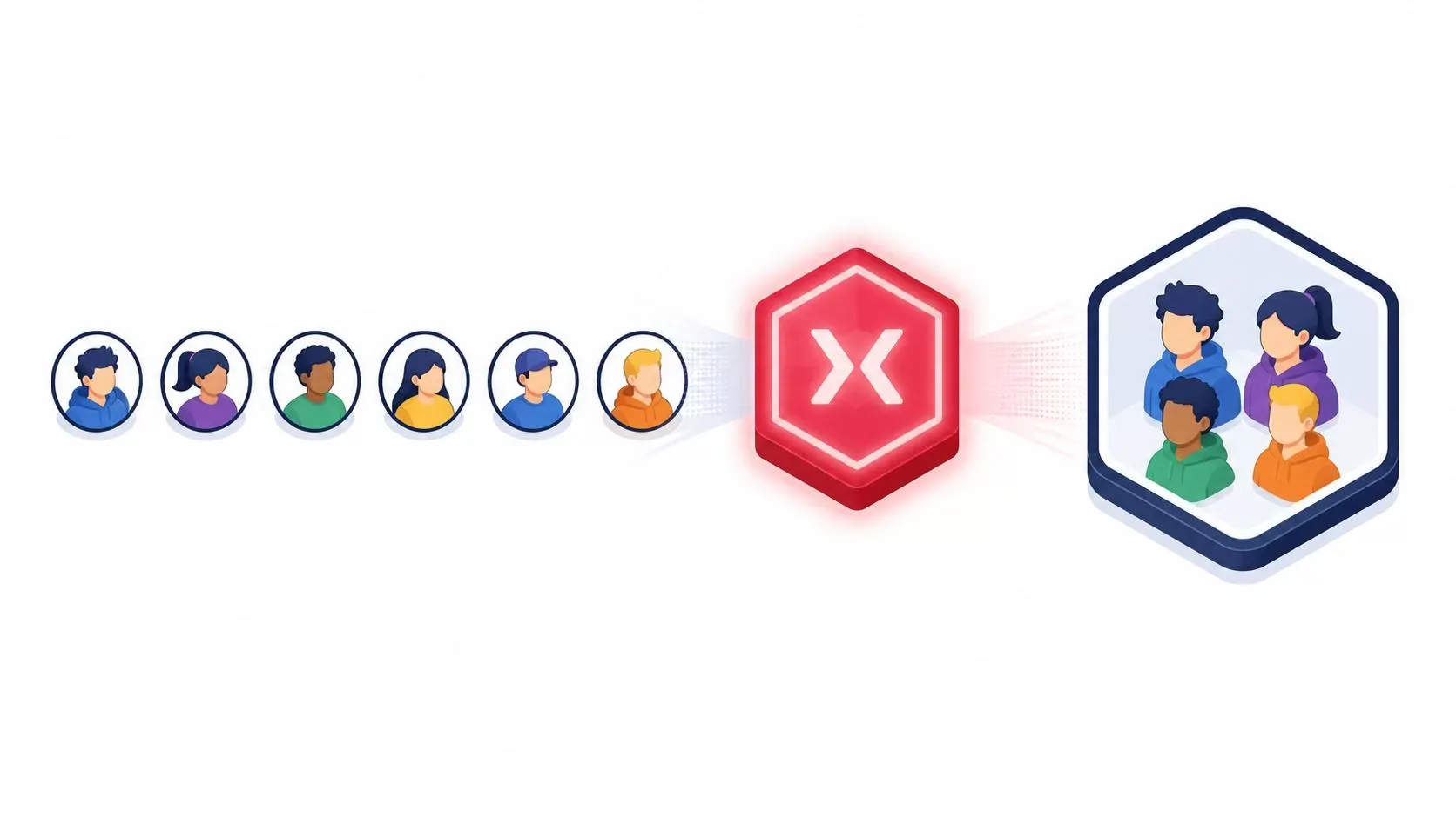
Here’s roughly how it works in practice. A game client asks a backend service for a match. GameLift’s placement system finds the fleet location with the best combination of cost and player latency, starts a game session on an available server process, and hands connection details back to the players. If FlexMatch matchmaking is enabled, it can group up to 200 players into a session using custom rules — skill level, latency, party size, whatever the game design calls for — before the placement even happens.
A few details make this genuinely useful rather than just “EC2 with extra steps”:
- Pre-warmed servers mean players aren’t waiting for an instance to boot before a match starts.
- UDP ping beacons let the platform measure real latency between a player and every candidate region, so matchmaking can actually optimize for a smooth match instead of guessing.
- GameLift FleetIQ can layer onto Spot Instances to cut hosting costs by up to 70% compared to On-Demand pricing, while still protecting sessions from mid-match interruption.
- Graviton support adds up to 20% better price-performance on top of that, which matters a lot when you’re running thousands of instances during a launch window.
Studios like Ubisoft, Behaviour Interactive, and Illfonic moved off peer-to-peer and listen-server models onto GameLift specifically to get away from the poor player experience of host migration and uneven connection quality — dedicated servers on managed infrastructure fixed both problems at once.
Containers: EKS and the Move to Kubernetes
Dedicated game servers aren’t the only compute pattern behind how games run on AWS. A large share of the backend — matchmaking services, inventory systems, social features, live-ops tooling — runs better as containerized microservices, and that’s where Amazon EKS comes in.
Riot Games is the clearest example of this at scale. After migrating to AWS in 2016, Riot modernized League of Legends and VALORANT’s backend onto Amazon EKS, paired with Karpenter for automatic node scaling. The results are worth spelling out: $10 million a year in infrastructure savings, 80% of infrastructure standardized into a centrally managed developer environment, provisioning time down 90%, and new-region setup time down significantly enough that “infrastructure is boring now,” in the words of one of Riot’s senior engineers. Riot also uses AWS Local Zones and AWS Outposts to push compute physically closer to players in specific regions, which is a big part of how they keep latency and jitter low for a twitch-reaction game like VALORANT.
If your team is weighing shared clusters against per-tenant isolation for a multiplayer backend, we’ve written in more depth about that trade-off in our guide on AWS multi-tenant isolation on EKS — the same account-per-tenant versus shared-cluster decision that applies to SaaS platforms applies almost directly to per-game or per-region isolation in gaming backends.
Serverless for Bursty, Event-Driven Backend Logic
Not every piece of a game backend needs a persistent server. Matchmaking triggers, leaderboard updates, daily reward resets, and in-game event logic are a natural fit for AWS Lambda — code that runs only when a player action or scheduled event calls for it, with no idle server cost in between. Paired with Amazon API Gateway for the client-facing endpoints and Amazon Cognito for player authentication, this pattern handles a lot of the “glue” logic around a game without a single server to patch or scale manually.
This is also where isolation guarantees matter. When a game platform lets players run user-generated scripts, mods, or AI-driven content, that code needs to run in a sandbox that can’t touch anything else on the host. We covered exactly this problem — the MicroVM isolation model behind Lambda — in our piece on AWS Lambda MicroVMs for AI and user-generated code, which is directly relevant if a game platform is building any kind of UGC or plugin system.
Databases: Different Workloads, Different Choices
A modern game backend rarely runs on one database, and this is one of the layers that’s easy to underestimate when you’re first mapping out how games run on AWS. Leaderboards, matchmaking state, chat, social graphs, and analytics each have different access patterns, and AWS’s guidance for game backends reflects that rather than pushing a one-size-fits-all answer:
- Amazon DynamoDB handles high-throughput, low-latency workloads well — player profiles, inventory, session state, and leaderboards that need single-digit-millisecond reads at massive scale.
- Amazon Aurora (including the newer Aurora DSQL) fits relational data where you need transactions and joins — economy systems, guild structures, purchase history.
- Amazon S3 and Kinesis handle the analytics side — event streams, telemetry, and the raw data that eventually feeds dashboards or ML models.
If your team is deciding between managed relational, NoSQL, and event-streaming services for a new backend, the same decision framework we laid out in our infrastructure as code on AWS guide applies well here — provisioning these as versioned, repeatable templates rather than clicking through the console matters even more in gaming, where you’re standing up new regional infrastructure on a compressed timeline before a launch.
Going Global Without Killing Latency
Games live and die by geography. A player in Mumbai connecting to a server in Virginia is going to have a worse time than a player connecting to a server in Hyderabad, no matter how well-architected the backend is. This is a core part of how games run on AWS at global scale, and AWS addresses it with a few overlapping tools:
- AWS Regions and Local Zones put compute physically closer to players — GameLift alone supports hosting across 26 Regions and 9 Local Zones.
- Amazon CloudFront handles static and semi-static content delivery — game assets, patch downloads, UI resources — from edge locations near the player.
- Multi-location placement queues in GameLift dynamically choose the best region for each match based on real measured latency, not just geographic proximity.
This is the layer that turns “we deployed on AWS” into “players in every region get a fair, low-latency match,” and it’s often the piece that gets underinvested in when teams first move a game to the cloud.
Analytics, Personalization, and the AI Layer
Once a game is live, the infrastructure question shifts from “can it handle the load” to “what do we do with all this player data.” This analytics and AI layer has become one of the fastest-growing parts of how games run on AWS, and it’s grown into one of the more active areas of AWS’s gaming investment.
Amazon OpenSearch Service shows up constantly here — it’s the engine behind in-game search, live dashboards for operations teams, and increasingly the retrieval layer for AI-driven features like personalized recommendations or support chatbots. We go into this in detail in our Amazon OpenSearch Service guide, and the log analytics and vector search capabilities covered there map directly onto live-ops and player-support use cases in gaming.
On the personalization side, mobile game studio Voodoo uses Amazon SageMaker to decide in real time which in-game ad to show each player, processing over 100 million predictions a day across 30 million users. And on the generative AI end, a startup called Exists built a text-to-game platform on AWS — using Amazon Bedrock and SageMaker — that lets someone describe a multiplayer game in plain language and get a playable build in minutes. Neither of these would be viable without the underlying elastic compute and managed ML infrastructure doing the scaling work invisibly.
Cost Control: The Part That Gets Overlooked
Game infrastructure cost curves are unusually punishing. You provision for a launch spike that might last 72 hours, and then you’re paying for that capacity every day after unless something actively scales it down. GameLift’s target-based autoscaling handles the game-server side of this, automatically scaling fleets down after peak hours, and Spot Instances plus Graviton bring the baseline cost per player down further.
For the platform-wide cost visibility question — tracking spend across dozens of services and regions as a live game scales — this is exactly the kind of problem we discuss in our post on the AWS FinOps Agent. Games generate cost signals across compute, data transfer, storage, and ML inference simultaneously, and having a clear view across all of it early tends to save a lot more than optimizing any single service in isolation later.
Building a Career Around This Stack
If you’re reading this because you’re weighing where to specialize next, gaming infrastructure is one of the more interesting corners of cloud engineering to build a career in — it touches distributed systems, real-time networking, containers, serverless, and increasingly AI, all in one domain. The skills map closely onto standard AWS career tracks rather than requiring a games-specific certification: Solutions Architect and DevOps Engineer paths cover the compute, container, and automation layers, while database and data analytics specializations cover the workload-specific decisions we walked through above.
We laid out how these roles, skills, and salary bands are shaping up more broadly in our DevOps career roadmap for 2026, and if your interest leans toward the Linux and systems side that underpins a lot of this infrastructure, our breakdown of in-demand Red Hat certification career roles is a useful companion read — a lot of game backend teams run mixed AWS-and-Linux stacks, and both skill sets tend to be valued together rather than separately.
How Electromech Can Help
Whether you’re a studio evaluating a move to GameLift or EKS, or a team trying to bring live-ops costs under control, this is the kind of architecture work we do regularly as an AWS Partner. If you’re still working out exactly how your games should run on AWS — which services, which regions, which cost model — we help teams design the compute and database layers for the workload they actually have, not a generic template, and our Academy runs the certification tracks — AWS Solutions Architect, DevOps Engineer, and Red Hat RHCSA/RHCE — that back up exactly the skills covered in this post.
If you want to talk through an architecture for a specific game or backend, book a slot with our team.
Frequently Asked Questions
Does every game need Amazon GameLift? No. GameLift is built specifically for session-based multiplayer games with dedicated servers — shooters, battle royales, racing games. Turn-based, mobile, or single-player games with lighter backend needs are often better served by a simpler combination of Lambda, API Gateway, and DynamoDB without a dedicated game-server layer at all.
What’s the difference between EC2, GameLift, and EKS for hosting game servers? EC2 is the raw compute layer underneath both. GameLift is a managed layer built specifically for deploying and scaling dedicated game server processes with matchmaking and latency-aware placement built in. EKS is a general-purpose container orchestration layer that studios use for the broader backend — microservices, live-ops tooling, and increasingly containerized game servers too, since GameLift now supports container deployments directly.
How do large studios keep latency low for players around the world? Mainly through geographic distribution — running compute in AWS Regions and Local Zones physically close to player populations — combined with latency-aware matchmaking that measures real round-trip time to candidate servers rather than assuming proximity based on IP geolocation alone.
Is AWS actually cheaper than running your own game server hardware? It depends heavily on traffic pattern. For games with predictable, steady concurrent player counts, self-hosted hardware can be cost-competitive. For games with the spiky, unpredictable demand curves typical of live-service titles — launches, viral moments, seasonal events — the ability to scale capacity up and down on demand, combined with Spot Instances and Graviton pricing, usually wins on total cost even before accounting for the engineering time saved by not managing physical infrastructure. This cost-vs-scale trade-off is ultimately the biggest reason games run on AWS instead of fixed on-premises hardware.
Uncategorized