





At Electromech Cloud, we’ve been guiding IT professionals and enterprises through their AWS cloud journey since 1996. One question we hear constantly from IT teams making the switch from on-premise infrastructure: “There are 200+ AWS services — where do I even begin?”
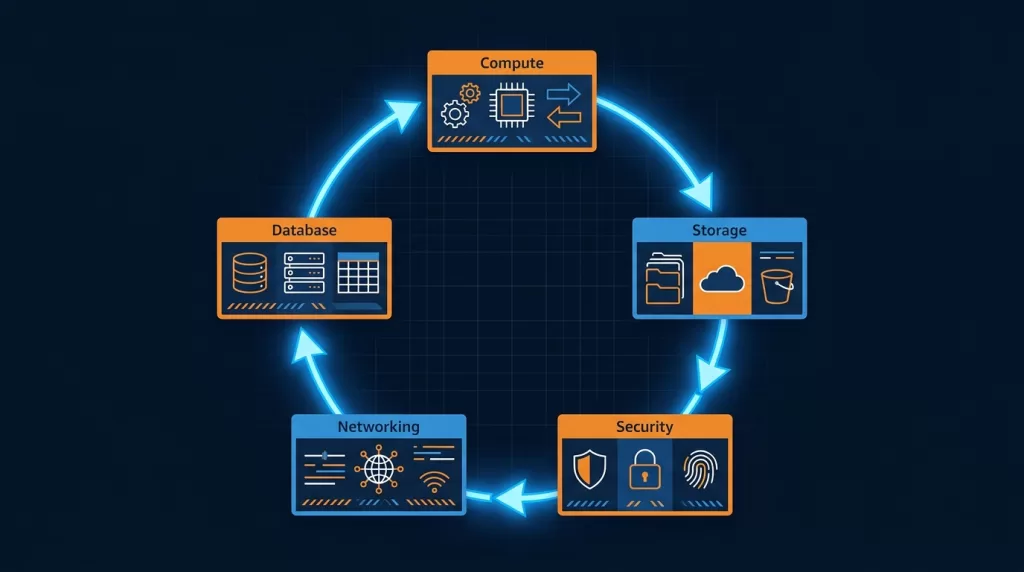
The answer is the same every time. Start with these five.
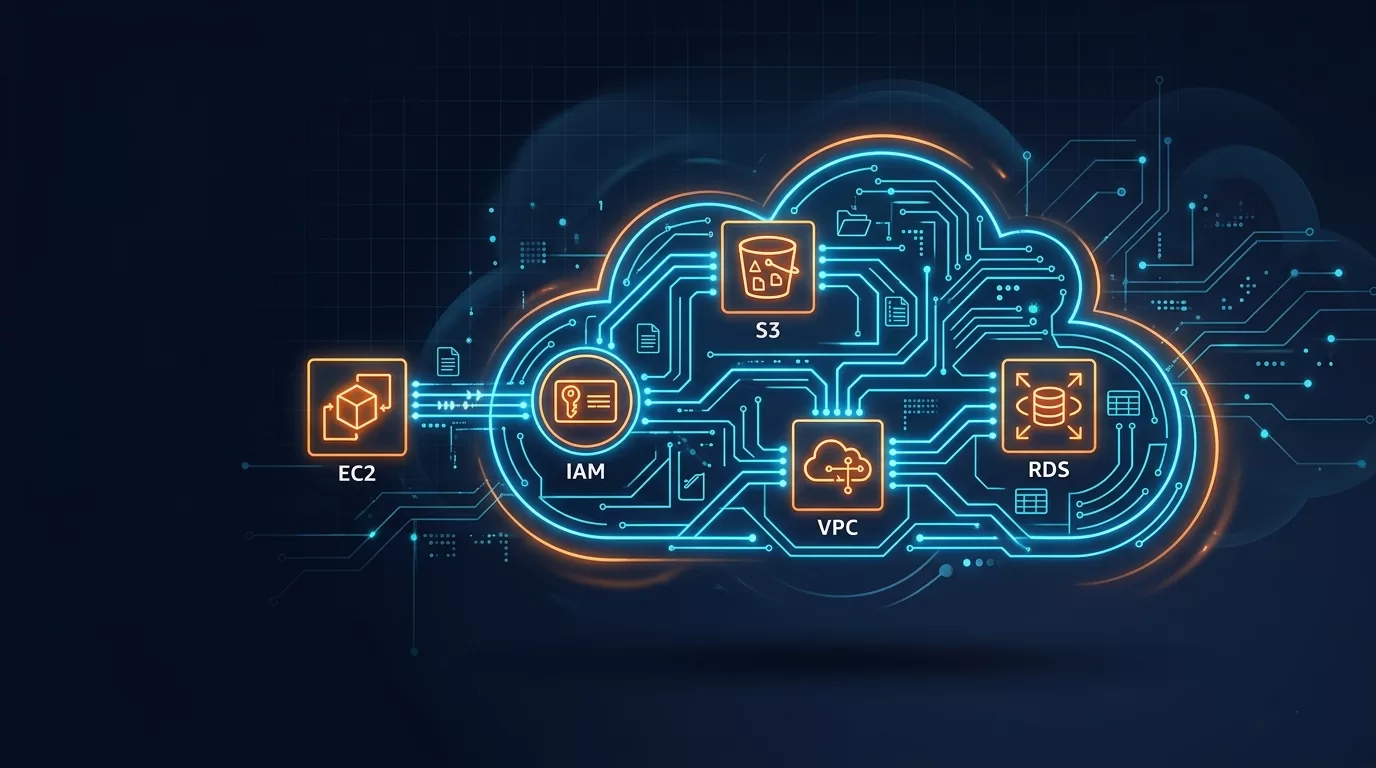
Whether you’re managing physical servers, VMware clusters, or Windows workloads on-premise, these five AWS services map directly to what you already know — and together they form the foundation of virtually every cloud architecture we build for our clients, from Torrent Pharma’s disaster recovery setup to Gujarat Technological University’s Windows workload migration.
This guide is written for IT professionals switching to cloud. We skip the marketing fluff and go straight into the technical details that matter.
Table of Contents
- AWS EC2 — Compute in the Cloud
- AWS S3 — Object Storage at Scale
- AWS IAM — Identity and Access Management
- AWS VPC — Your Private Network on AWS
- AWS RDS — Managed Relational Databases
- How These 5 Services Work Together
- What to Learn Next
1. AWS EC2 — Elastic Compute Cloud
Category: Compute | On-Prem Equivalent: Physical servers / VMware VMs
Amazon EC2 is the first service every IT professional recognizes because it’s the closest thing to what they already operate — servers. Instead of racking hardware, you choose an instance type, pick an AMI (Amazon Machine Image) (think: VM snapshot or golden image), and launch within seconds.
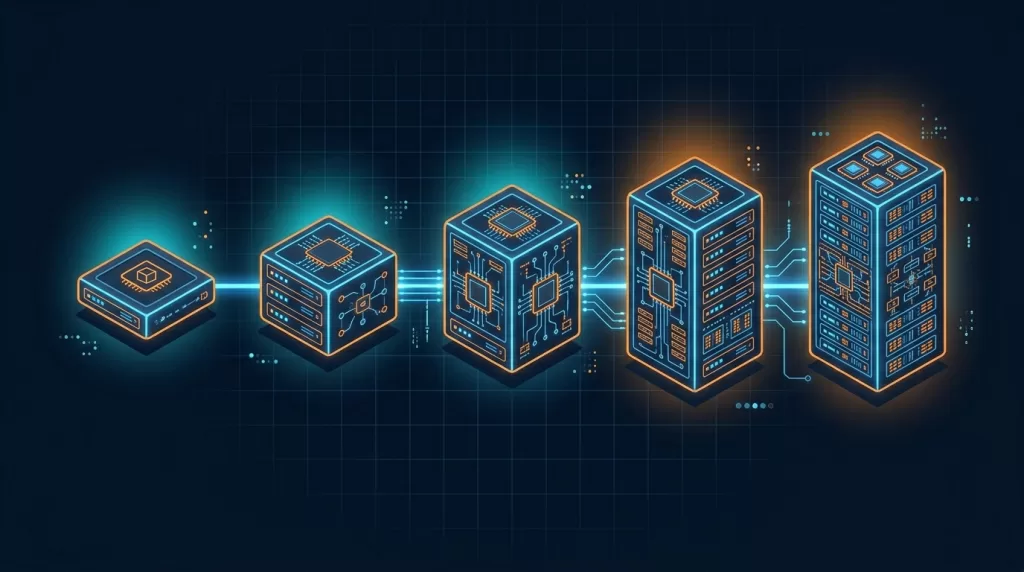
Instance Families You Need to Know
| Family | Example Types | Best For |
|---|---|---|
| General Purpose | t3, m6i, m7i | Web servers, app servers, dev/test |
| Compute Optimized | c6i, c7g | Batch processing, analytics workloads |
| Memory Optimized | r6i, x2idn | In-memory databases, SAP HANA |
| Storage Optimized | i4i, d3en | High IOPS workloads, data warehousing |
| GPU Instances | g5, p4d | ML inference, video rendering |
Key Concepts for IT Professionals
- Security Groups = Stateful instance-level firewall (like iptables or Windows Firewall)
- Key Pairs = SSH key authentication for Linux; used to decrypt Windows admin passwords
- Elastic IP = Static public IP you can reassign between instances
- AMI = Reusable machine image — build once, deploy many times
- User Data = Bootstrap script that runs on first boot (replaces your manual post-install steps)
Quick Start: Launch an EC2 Instance via CLI
bash
aws ec2 run-instances \
  --image-id ami-0c02fb55956c7d316 \
  --instance-type t3.medium \
  --key-name my-keypair \
  --security-group-ids sg-0a1b2c3d \
  --subnet-id subnet-0123abcd \
  --tag-specifications 'ResourceType=instance,Tags=[{Key=Name,Value=MyServer}]'
Cost Tip
Use Reserved Instances (1–3 year commitment) for steady-state workloads — up to 72% savings over On-Demand. Use Spot Instances for fault-tolerant batch jobs. Never run production on On-Demand pricing if you can help it.
Electromech Insight: For clients migrating Windows Server workloads (like our Matrix Cosmec engagement), EC2 with Windows AMIs is usually the fastest path to cloud — a true lift-and-shift with minimal application changes.
2. AWS S3 — Simple Storage Service
Category: Storage | On-Prem Equivalent: NAS / file share / FTP server
Amazon S3 is object storage with 11 nines of durability (99.999999999%) and virtually unlimited capacity. Any file that doesn’t need block-level access — logs, backups, media files, reports, static website assets — belongs in S3, not on an EC2 volume.
S3 Storage Classes: Match Your Data to the Right Tier
| Storage Class | Retrieval Time | Ideal Use Case | Approx. Cost/GB/mo |
|---|---|---|---|
| S3 Standard | Milliseconds | Frequently accessed data, live assets | ~$0.023 |
| S3 Intelligent-Tiering | Milliseconds | Variable access patterns | Variable |
| S3 Standard-IA | Milliseconds | Monthly reports, DR backups | ~$0.0125 |
| S3 Glacier Instant Retrieval | Milliseconds | Compliance archives, quarterly data | ~$0.004 |
| S3 Glacier Deep Archive | 12 hours | Long-term retention (7+ years) | ~$0.00099 |
Four Things to Configure on Every Bucket — Day One
1. Versioning — protects against accidental deletes and overwrites. Enable it on all production buckets.
2. Server-Side Encryption — use SSE-S3 (AES-256, AWS-managed keys) as the baseline; SSE-KMS for regulated data needing audit trails.
3. Block Public Access — AWS enables this at account level by default now, but verify it explicitly on every bucket.
4. Lifecycle Policies — automate data tiering (Standard → IA → Glacier) and expiration. This is where most teams save significant cost.
bash
# Enable versioning on a bucket
aws s3api put-bucket-versioning \
  --bucket my-production-bucket \
  --versioning-configuration Status=Enabled

# Set a lifecycle rule: move to Glacier after 90 days, expire after 365
aws s3api put-bucket-lifecycle-configuration \
  --bucket my-production-bucket \
  --lifecycle-configuration file://lifecycle.json
Electromech Insight: In our Disaster Recovery & Backup engagements, S3 is always the landing zone for backup data — combined with AWS Backup policies and cross-region replication for geo-redundancy. A well-designed S3 lifecycle policy can cut storage costs by 60–70% compared to keeping everything in S3 Standard.
3. AWS IAM — Identity & Access Management
Category: Security | On-Prem Equivalent: Active Directory / LDAP group policies
IAM is the authorization engine for your entire AWS account. Every API call — whether made by a developer, an EC2 instance, a Lambda function, or a third-party tool — is checked against IAM before it executes. Getting IAM right from day one is the difference between a secure cloud environment and a breach waiting to happen.
The Four IAM Building Blocks
| Entity | What It Is | On-Prem Equivalent |
|---|---|---|
| Users | Human identities with long-term credentials | AD user accounts |
| Groups | Collections of users sharing the same policies | AD Security Groups |
| Roles | Temporary credentials assumed by services/applications | Service accounts |
| Policies | JSON documents defining Allow/Deny on actions + resources | GPO / ACL rules |
The Rules That Must Never Be Broken
- Never use the root account for day-to-day work. Lock it down, enable MFA, and store the credentials offline.
- Never create long-term access keys for EC2 instances or Lambda functions. Use IAM Roles instead — they rotate automatically.
- Apply least privilege — grant only the exact actions on exact resources required. Start restrictive and open up as needed.
- Enable MFA for all human IAM users, especially those with console access.
Example: Least-Privilege Policy for an Application Server
json
{
  "Version": "2012-10-17",
  "Statement": [
    {
      "Effect": "Allow",
      "Action": [
        "s3:GetObject",
        "s3:PutObject"
      ],
      "Resource": "arn:aws:s3:::my-app-bucket/uploads/*"
    },
    {
      "Effect": "Allow",
      "Action": [
        "rds:DescribeDBInstances"
      ],
      "Resource": "*"
    }
  ]
}
This policy allows the EC2 instance to read/write only the uploads/ prefix in one specific S3 bucket, and read RDS metadata — nothing else.
Electromech Insight: IAM misconfiguration is consistently the root cause of cloud security incidents. In our Security Threat and Response practice, nearly every audit we run finds overly permissive policies. Build IAM discipline in from day one — retrofitting it into a running environment is painful.
4. AWS VPC — Virtual Private Cloud
Category: Networking | On-Prem Equivalent: VLAN / network segmentation / firewall zones
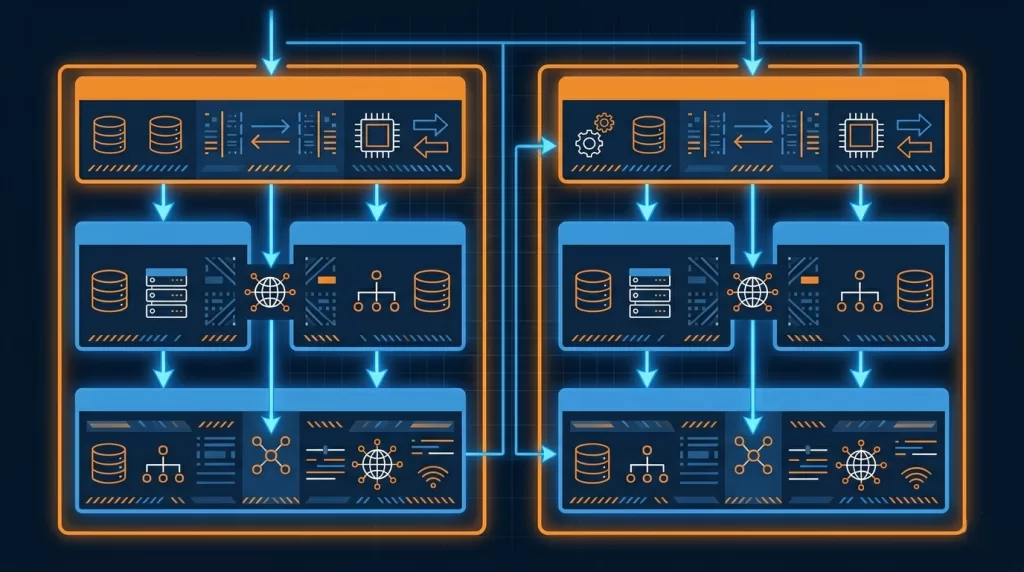
Amazon VPC is your logically isolated, software-defined network inside AWS. Every resource you launch — EC2 instances, RDS databases, Lambda functions — lives inside a VPC. Think of it as your on-premise network topology, but fully programmable via API.
VPC Building Blocks
| Component | Function | On-Prem Equivalent |
|---|---|---|
| VPC | Isolated network boundary | Data center network |
| Subnets | Network segments within a VPC | VLANs |
| Internet Gateway | Enables outbound internet for public subnets | Perimeter firewall / DMZ |
| NAT Gateway | Outbound internet for private subnets (no inbound) | NAT appliance |
| Security Groups | Stateful instance-level firewall | Host-based firewall |
| Network ACLs | Stateless subnet-level ACL | Traditional ACL on core switch |
| Route Tables | Control traffic routing between subnets | Routing tables |
| VPC Peering / TGW | Connect multiple VPCs | Inter-VLAN routing / MPLS |
Recommended Subnet Architecture (3-Tier)
VPC CIDR: 10.10.0.0/16

Public Subnets   (Load Balancers, NAT GW):
  AZ-a: 10.10.1.0/24
  AZ-b: 10.10.2.0/24

Private App Subnets  (EC2, ECS, Lambda):
  AZ-a: 10.10.10.0/24
  AZ-b: 10.10.11.0/24

Private Data Subnets  (RDS, ElastiCache):
  AZ-a: 10.10.20.0/24
  AZ-b: 10.10.21.0/24
Always deploy across at least 2 Availability Zones for high availability. An AZ is an independent data center — losing one should not take down your workload.
Connecting Your On-Premise Network to AWS
Two primary options for hybrid connectivity:
- AWS Site-to-Site VPN — IPSec tunnels over the internet. Quick to set up (hours), costs ~$36/month per connection. Best for non-latency-sensitive workloads and getting started.
- AWS Direct Connect — Dedicated private fiber from your facility to AWS. 1 Gbps to 100 Gbps bandwidth, consistent sub-10ms latency. Required for high-throughput production workloads. Available via Electromech’s hybrid and multi-cloud services.
Electromech Insight: On every migration engagement, we spend significant time designing the VPC architecture before a single workload moves. Getting subnets, routing, and security group design right upfront avoids expensive re-architecture later. Our Cloud Architecture Design service covers this in detail.
5. AWS RDS — Relational Database Service
Category: Database | On-Prem Equivalent: On-premise SQL Server / Oracle / MySQL
Amazon RDS is AWS’s managed relational database service. It supports MySQL, PostgreSQL, MariaDB, Oracle, SQL Server, and Amazon Aurora (AWS’s cloud-native MySQL/PostgreSQL-compatible engine). RDS handles the undifferentiated heavy lifting: OS patching, DB engine upgrades, automated backups, failover, and read replica creation — so your team focuses on the data, not the infrastructure.
RDS vs. Self-Managed on EC2
| Task | RDS | EC2 + DIY |
|---|---|---|
| OS Patching | ✅ AWS handles | ❌ Your responsibility |
| DB Engine Upgrades | ✅ AWS handles | ❌ Your responsibility |
| Automated Backups | ✅ Built-in (up to 35-day retention) | ❌ Script and schedule yourself |
| Multi-AZ Failover | ✅ ~60 second RTO, automatic | ❌ Complex manual setup |
| Read Replicas | ✅ One-click, up to 15 for Aurora | ❌ Manual replication setup |
| Performance Insights | ✅ Built-in query profiling | ❌ Install and configure yourself |
| Custom OS access | ❌ Not available | ✅ Full root access |
When to Use RDS vs. EC2-hosted DB
Use RDS for: standard relational workloads, applications that need managed HA, DR, and backups without ops overhead.
Use EC2-hosted for: databases that require specific OS configurations, unsupported engines, or custom kernel parameters that RDS doesn’t expose.
Aurora: The Upgrade Most Teams Should Make
Amazon Aurora is worth calling out specifically. It’s a cloud-native relational engine that is MySQL and PostgreSQL wire-compatible (your application needs zero code changes), but delivers up to 5x the throughput of MySQL and 3x PostgreSQL on the same hardware class. Aurora also has a Serverless v2 mode that scales capacity automatically — ideal for variable workloads.
sql
-- Example: Check RDS instance status via AWS CLI
aws rds describe-db-instances \
  --query 'DBInstances[*].{ID:DBInstanceIdentifier,
           Status:DBInstanceStatus,
           Engine:Engine,
           Class:DBInstanceClass,
           MultiAZ:MultiAZ}' \
  --output table
Electromech Insight: In our Odoo on AWS engagement, we migrated the client’s PostgreSQL database to Amazon RDS with Multi-AZ enabled. The result: zero unplanned downtime in the first year, and the client’s IT team stopped spending weekends on database maintenance. That’s the real ROI of managed services.
6. How These 5 Services Work Together
Here’s what a standard three-tier web application looks like on AWS, using only these five services:
Internet
    │
    ▼
[Application Load Balancer]  ← public subnet (VPC)
    │
    ▼
[EC2 Auto Scaling Group]     ← private app subnet (VPC)
EC2 instances run your app   ← IAM Role attached (no static keys)
    │              │
    ▼              ▼
[RDS Multi-AZ]   [S3 Bucket]   ← private data subnet / VPC endpoint
Database layer   File storage   ← encrypted, versioned, lifecycle managed
    │
    ▼
[IAM] controls every API call to every resource above
[VPC] provides network isolation, routing, and security groups
Every production workload Electromech deploys follows this pattern as the baseline — then we layer in additional services (CloudFront, WAF, Elasticache, SQS, Lambda, etc.) based on the specific requirements.
7. What to Learn Next at Electromech
Once you’re comfortable with these five services, your natural progression path looks like this:
Compute & Containers: AWS Lambda (serverless functions) → Amazon ECS / EKS (containers and Kubernetes)
Networking & Security: AWS CloudFront + WAF → AWS Shield → AWS GuardDuty
Monitoring & Operations: Amazon CloudWatch → AWS CloudTrail → AWS Config
Cost Management: AWS Cost Explorer → AWS Budgets → Savings Plans
Application Modernization: API Gateway → SQS / SNS → Step Functions
If you want to accelerate this journey with hands-on training and guided architecture reviews, Electromech offers several pathways:
- Cloud Readiness Assessment — evaluate your current infrastructure against AWS best practices
- Cloud Architecture Design — get a purpose-built architecture for your specific workloads
- AWS Well-Architected Review — benchmark your existing AWS environment against the 6 AWS Well-Architected Framework pillars
- Managed Services (SysOps) — let Electromech handle day-to-day AWS operations while your team builds cloud skills
Quick Reference: 5 AWS Services at a Glance
| # | Service | Category | On-Prem Equivalent | Learn First |
|---|---|---|---|---|
| 1 | EC2 | Compute | Physical / virtual servers | Instance types, Security Groups, AMIs |
| 2 | S3 | Storage | NAS / file server | Storage classes, bucket policies, lifecycle |
| 3 | IAM | Security | Active Directory / LDAP | Roles vs. Users, least-privilege policies |
| 4 | VPC | Networking | VLANs / firewall zones | Subnets, route tables, Security Groups |
| 5 | RDS | Database | On-prem SQL Server / Oracle | Multi-AZ, automated backups, Aurora |
About Electromech Cloud
Electromech Cloud is an AWS-specialized cloud services company headquartered in Ahmedabad, Gujarat, India, delivering cloud solutions since 1996. Our services span Cloud Strategy, Cloud Migration, Disaster Recovery, Application Modernization, Managed Services, and Generative AI — built around a deep AWS practice and a team that lives and breathes cloud-first architecture.